
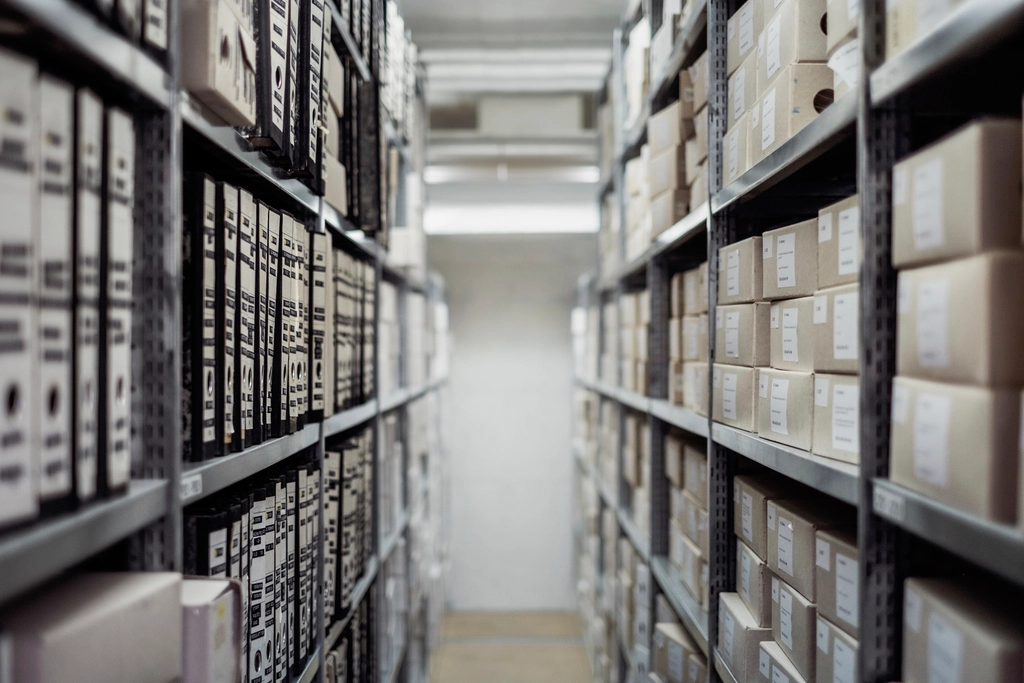
Picture a Tuesday evening at a mid-sized electronics store in Udaipur. A customer wants a specific model of ceiling fan. The salesperson checks the shelf, doesn't see it, tells the customer it's out of stock. The customer walks out. Later that night, while doing the closing count, the owner finds three units of that exact fan sitting in the storeroom, misplaced behind a stack of empty cartons.
That's not a rare story. It happens in kirana stores, garment shops, pharmacies, and hardware dealerships across the country, every single day. Not because the owners are careless, but because keeping track of hundreds or thousands of SKUs in a notebook, a billing register, or even a well-maintained Excel sheet, simply stops scaling past a certain point.
2026 is shaping up to be the year this stops being optional. GST compliance is tighter, customers expect faster answers about stock availability, and competition from shops that have already digitized is real. If you're still running your shop on registers and gut feeling, this is worth ten minutes of your time.
The real cost of manual stock tracking
Manual tracking doesn't fail loudly. It fails quietly, in small ways, until the small ways add up to a real dent in your margins.
Stockouts you don't see coming
A garment wholesaler supplying to twenty retail counters across Rajasthan might be selling a particular fabric print fast in one counter and barely moving it in another. Without a live view of what's selling where, the owner only finds out about a stockout when a retailer calls asking why an order hasn't shipped. By then, the retailer has already gone to another wholesaler for that order.
Overstocking that quietly eats your cash
The flip side of stockouts is dead stock. A kirana store owner who reorders "by feel" tends to over-order slow-moving items just to be safe, and that cash sits on a shelf instead of in the bank. Multiply that across a few hundred SKUs and you're looking at real working capital tied up in things that aren't selling.
No real-time visibility across locations
If you run more than one outlet or a shop plus a warehouse, a spreadsheet updated once a day (if that) means every location is making decisions on stale numbers. One branch might be turning away customers for an item that's sitting unsold two kilometers away at your other outlet.
Billing and stock that don't talk to each other
This is the one that catches people off guard. A sale gets billed at the counter, but the stock register doesn't get updated until someone manually does it later, if they remember. Over a few weeks, the "stock on paper" and "stock on shelf" drift apart, and nobody notices until a full physical count reveals the gap, along with the shrinkage or billing errors hiding inside it.
What inventory management software actually does
Strip away the sales pitch and good inventory software solves exactly the problems above, in a fairly mechanical way.
Real-time stock tracking means every sale, purchase, return, or transfer updates the stock count immediately, not at end of day. What you see on screen matches what's on the shelf.
Low-stock alerts flag items before they run out, based on actual sales velocity rather than a manual reminder someone forgot to set. The electronics distributor who lost that fan sale would have gotten a notification a week earlier that the model was running low.
Multi-warehouse and multi-store support gives an owner one dashboard showing stock across every location. The garment wholesaler can see, at a glance, which counter needs replenishment and which one is sitting on excess inventory that could be transferred instead of reordered.
Billing sync connects the point of sale directly to inventory, so every bill automatically reduces stock in the system. No end-of-day reconciliation, no guesswork about what actually left the shelf.
Manual tracking vs. inventory software, side by side
| Factor | Manual / Excel Tracking | Inventory Management Software |
|---|---|---|
| Stock visibility | Updated whenever someone remembers to; often a day or more behind | Live, updated the moment a sale or transfer happens |
| Multi-location support | Separate sheets per location, manually consolidated | Single dashboard across all stores or warehouses |
| Error rate | Prone to typos, double entries, and missed updates | Automated entries tied to actual transactions |
| Time spent | Hours per week on counting, entering, and reconciling | Minutes to check dashboards and reports |
| Reorder alerts | Based on memory or periodic manual review | Automatic alerts based on set thresholds and sales trends |
Common mistakes businesses make with inventory
- Waiting for a crisis before acting. Most shop owners only start looking for a system after a bad stockout or a stock audit that doesn't add up. By then the cost of "waiting it out" has already been paid.
- Treating Excel as a permanent solution. Spreadsheets are fine for fifty items in one location. Past that, they need constant manual discipline that's hard to maintain when the shop is busy.
- Not training staff on the new system. Software only helps if the people billing and stocking actually use it correctly. A system nobody trusts gets ignored within a month.
- Ignoring reorder points until stock hits zero. Reorder alerts only work if they're set at a level that accounts for supplier lead time, not just "when we're out."
- Not tracking stock by location separately. Lumping all branches into one number hides which specific counter needs attention.
How to choose the right inventory software
Not every business needs the same features, but a few things are worth checking regardless of who you buy from.
Does it match how your business actually operates
A single-counter kirana store has very different needs from a distributor running three warehouses and a delivery fleet. Look for software that fits your current scale but doesn't box you in if you grow.
Is billing genuinely integrated, not bolted on
Ask specifically whether a sale at the counter updates stock instantly, or whether it needs a separate sync step. That difference matters more than most feature lists suggest.
Can it handle multiple locations without extra manual work
If you have more than one outlet or warehouse, confirm the system gives a consolidated view and lets you transfer stock between locations directly, rather than treating each branch as a separate silo.
How easy is it for non-technical staff to use
The person billing at your counter may not be comfortable with complicated software. A clean, simple interface matters more day-to-day than a long features page.
What does support actually look like after you buy
Ask what happens when something breaks at 7 PM on a Saturday during peak billing hours. A local team that understands Indian retail operations and responds quickly is worth more than a feature you'll use twice a year.
Good inventory software isn't really about the software at all — it's about giving a shop owner the same clear picture of their stock that a much larger, well-staffed business would have, without needing the large staff.
Where this leaves you
None of this means every retail shop needs to rip out its current process overnight. But the gap between businesses running on real-time stock data and those running on registers and memory is only going to widen through 2026, as customers expect faster answers and margins stay tight.
This is exactly the kind of problem Kakshlink Technology's Inventory Management software is built to solve, with real-time tracking, low-stock alerts, and multi-warehouse support designed around how Indian retailers, distributors, and manufacturers actually work day to day. If you're weighing whether it's the right fit for your shop, it's worth talking to someone who can look at your specific setup rather than guessing from a features list. You can get a free quote and get a straight answer on what it would take for your business.
Frequently Asked Questions
How much does inventory software cost in India?
It depends heavily on how many locations you have, how many users need access, and whether you need custom features like specific billing formats or integrations. Rather than quoting a number that may not apply to your situation, it's best to share your requirements and request a quote so the cost reflects what you actually need.
Can it work across multiple stores?
Yes, that's one of the core reasons businesses move away from spreadsheets. A properly built system gives you one dashboard across all your stores or warehouses, so you can see stock levels everywhere and transfer inventory between locations without manual reconciliation.
Do I need technical knowledge to use it?
No. Good inventory software is built for shop staff who bill customers and manage stock day to day, not for IT teams. The learning curve is usually a matter of a short training session, not weeks of onboarding.
How long does setup take?
This varies by how much existing data needs to be migrated and how many locations or custom workflows are involved. A single-store setup can be quicker, while a multi-warehouse rollout with custom billing needs takes longer. Getting a quote is the fastest way to get a realistic timeline for your specific case.